The connection operates in read-only mode. This means that Gemini cannot move, manage, or invest the user's money: it only queries the information necessary to answer questions.
The activation also depends on each person's decision. The connection can be enabled or disabled at any time, and it is not mandatory to use this feature.
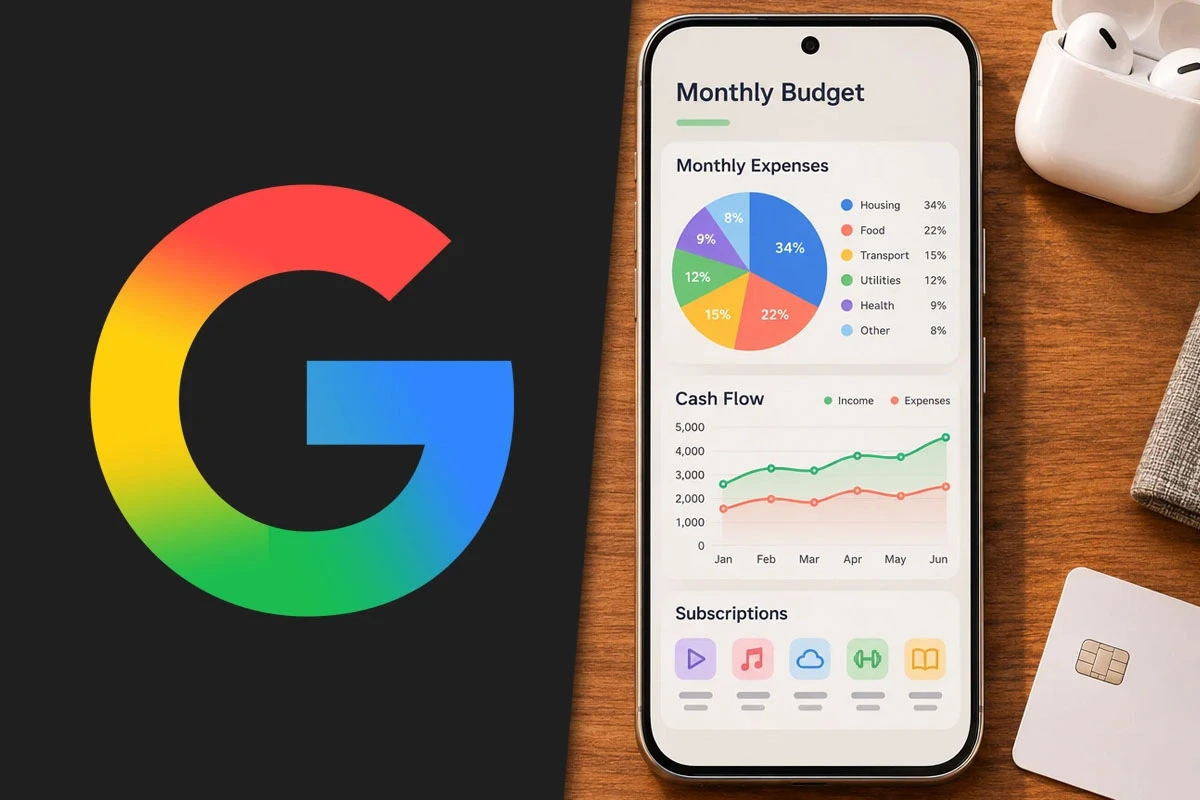
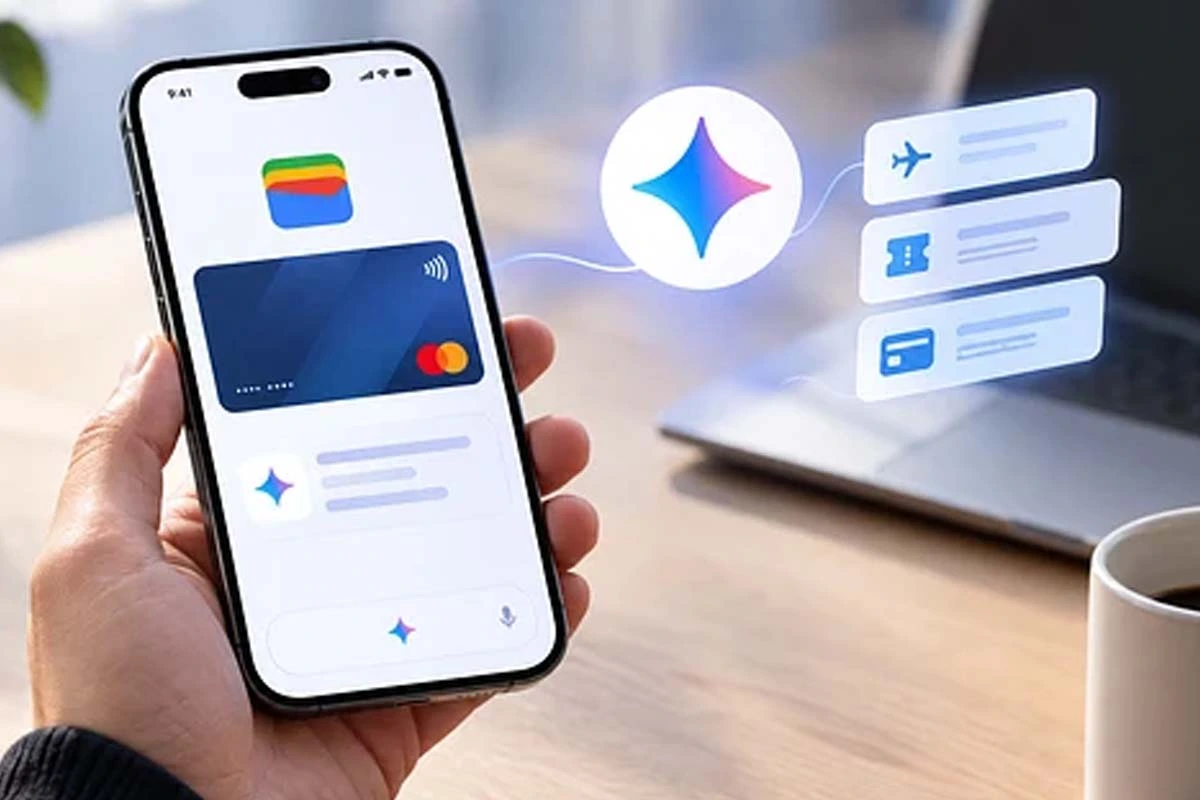
Gemini has incorporated an integration with Google Wallet that allows users to check personal financial information and receive answers based on their spending habits. The feature can generate spending graphs, identify recurring payments, and help plan budgets.
This new feature is available for users in the United States on Android, iOS, and the web version of Gemini. The connection is voluntary and can be activated or deactivated at any time.
Gemini incorporated an integration with Google Wallet
What can be done with Google Wallet from Gemini
The integration allows users to inquire about transactions and spending to obtain organized information and recommendations. Its main functions include:
Analyze spending: allows users to review expenditures from previous periods and request dynamic graphs on cash flow, asset distribution, and budgets. For example, users can inquire about how to save $1,000 over the next three months.
Detect subscriptions: Gemini can identify recurring charges in linked accounts and indicate if any have increased in price over the year.
Plan a budget: by checking how much was spent on gifts and travel during the previous year, the tool can use that data to suggest a budget for the upcoming holidays.
The visualizations are generated directly in the conversation with Gemini. This way, users can check their spending and receive responses tailored to their own financial movements.
How the connection works and what happens with privacy
To access the data, the integration uses Plaid, an external service that securely links financial accounts, including credit cards and bank accounts, with Google Wallet.
How the connection works and what about privacy
How to activate Google Wallet in Gemini
Users in the United States can enable the integration from the app's settings. To do so, they must go to:
Customize.
Connectors.
Select the Google Wallet option to link the accounts.
It can also be accessed from gemini.google.com/customize/connectors.
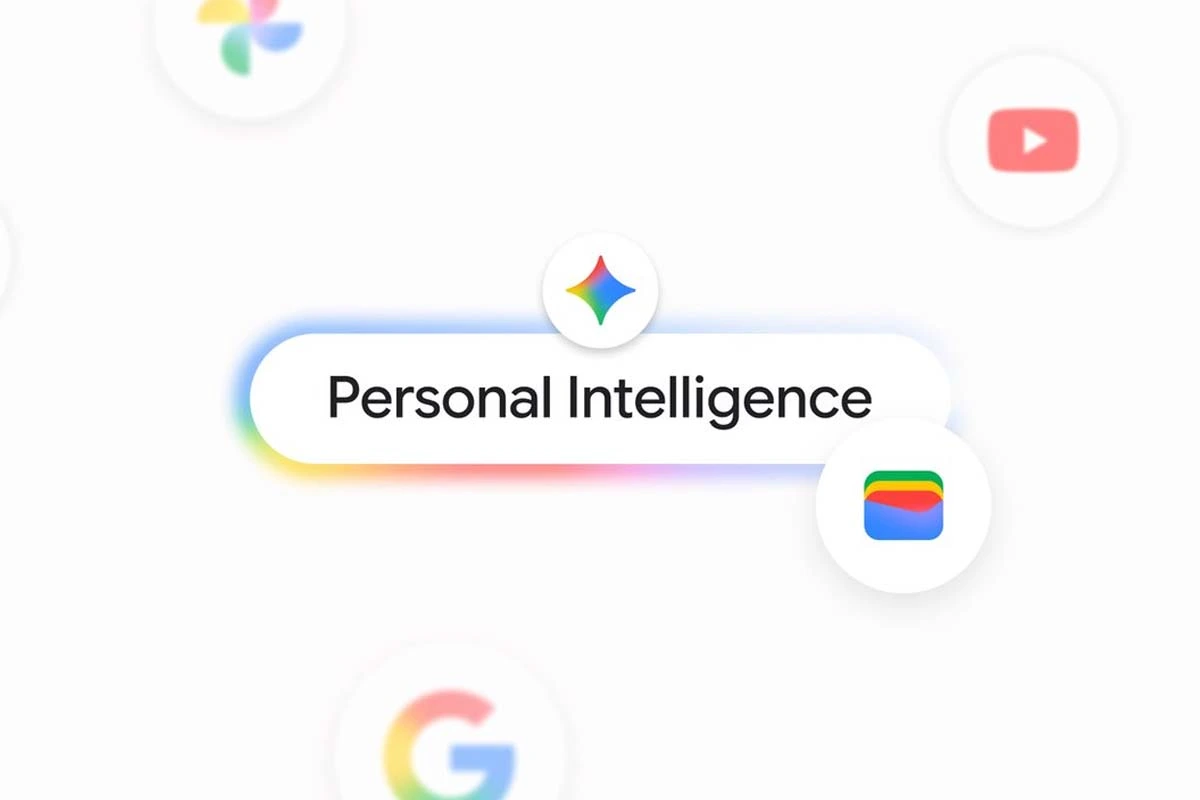
Google presents this feature as an extension of Personal Intelligence, the initiative that uses information from Gmail, Photos, the search engine, and YouTube to personalize Gemini's responses. The company also highlighted the launch of Memory Summary, a feature that summarizes the information the assistant remembers about each user.