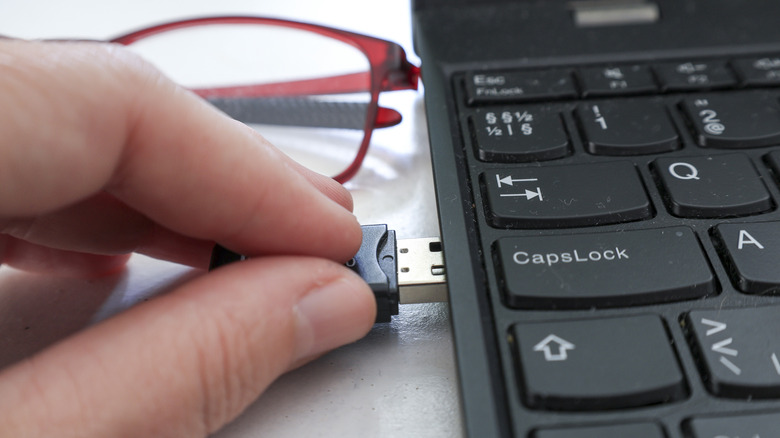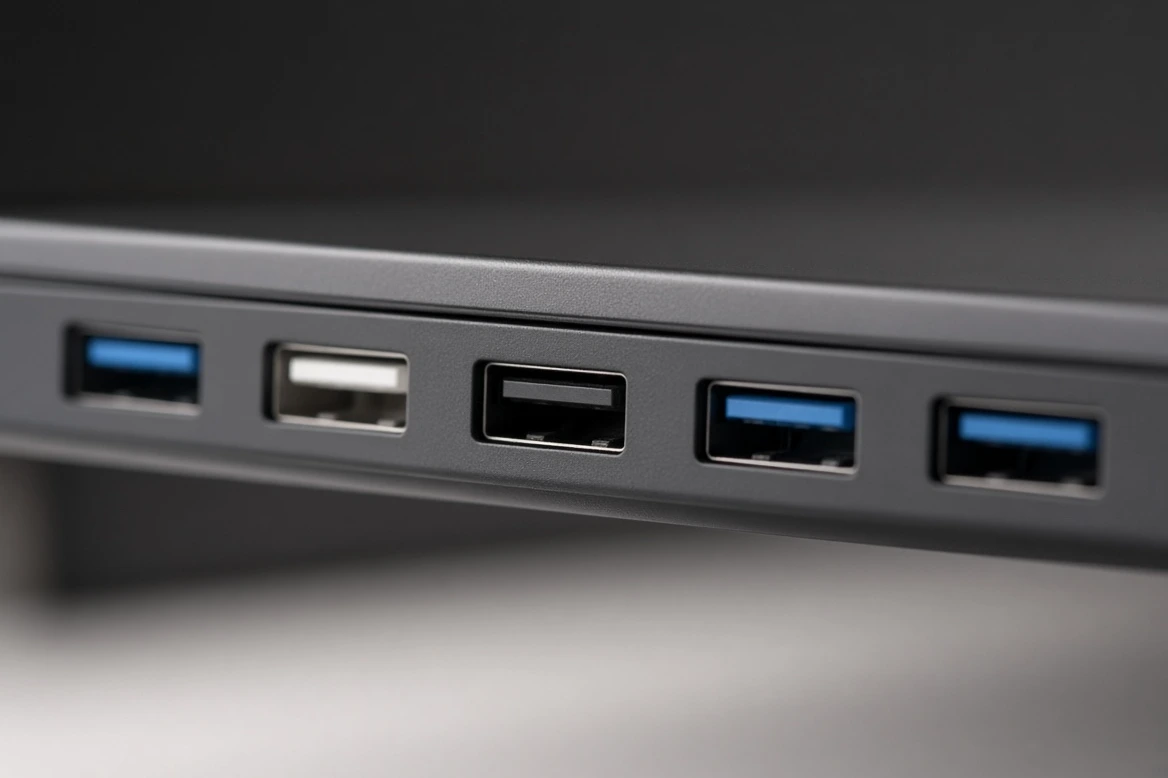







The colors of USB ports are not just an aesthetic detail. In most computers, black indicates a USB 2.0 connection, also known as Hi-Speed USB. This version reaches a maximum speed of 480 Mbps, sufficient for everyday use but far from what newer standards offer.
However, the black color is not a mandatory industrial rule. It is a widely accepted convention, but it does not guarantee that a black port on one machine is the same as another on a different device. Some manufacturers use the same color for all ports even if they support different protocols.
The safest way to know what you have in front of you is to look for markings next to the port and, above all, to consult the manual or the manufacturer's documentation. Sometimes the symbols or letters are not enough, and you have to look in the instructions. There are devices that do not even come with any labels.
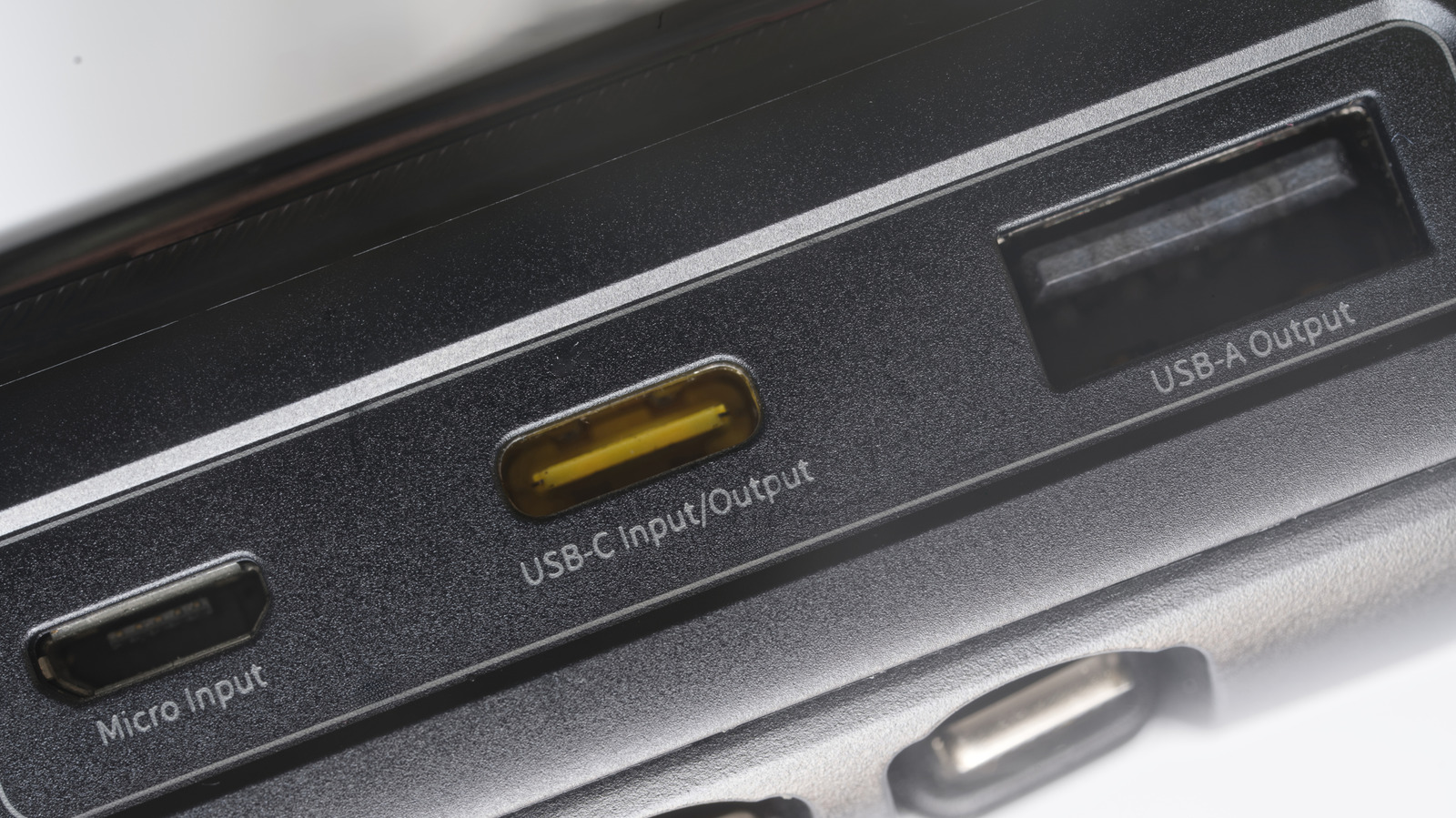
Important: this color logic applies to USB-A ports. In USB-C, there are almost never colors, and if they appear, they are usually just decorative. USB-C has a much wider range of capabilities, so color coding them would end up causing more confusion than clarity.
What to connect to a black port
If you confirmed that it is a USB 2.0, it is ideal for everyday accessories: basic pen drives, keyboards, mice, wired game controllers, microphones, or headphones. It makes no sense to occupy a faster port with these devices.
Where USB 2.0 falls short is with demanding peripherals. An external hard drive or SSD is the classic example. Copying large videos or making a full backup can become slow due to the speed limitation. The name “Hi-Speed” is not misleading: in practice, it is quite limited for those tasks.