What needs to be presented at the pharmacy to collect the medications
If the member cannot move, a family member or trusted person can also collect the medications. In that case, the person must present the ID and the member's credential.
How to consult PAMI's electronic prescriptions
Members can review their active prescriptions from a mobile phone or computer using the organization's digital tools.
How to consult PAMI electronic prescriptions
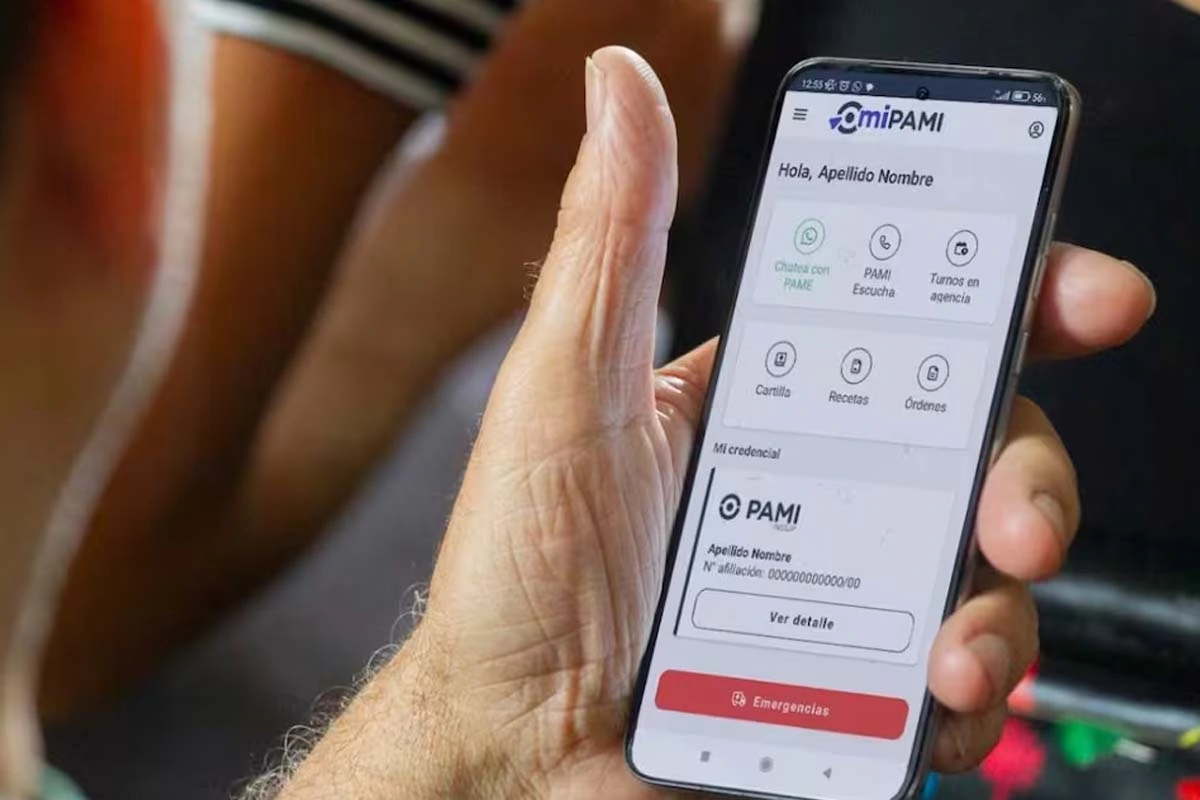
One alternative is to use the official PAMI application. After logging in with the corresponding data, prescriptions can be consulted and checked which ones are active.
It is also possible to make inquiries and other procedures through My PAMI, from the official portal of the organization.
The PAMI has the CUP System, a tool that allows for the issuance of electronic prescriptions and the collection of medicationswithout a paper order.
The Unique Prescription Key allows authorized doctors and providers to upload prescriptions digitally for validation at pharmacies.
The CUP system allows for the issuance of electronic prescriptions and the collection of medications without a paper order
What is the CUP System and how does it work
The PAMI CUP System stands for Unique Prescription Key. It is a digital platform for issuing electronic prescriptions with a digital signature.
The primary care physician or specialist makes the prescription from the PAMI Providers platform and digitally signs the prescription.
Once issued, the electronic prescription is stored in a centralized database. It remains available for consultation and validation.
What is the CUP System of PAMI and how does it work
Pharmacies affiliated with the PAMI network can consult the prescription, validate it, and dispense the corresponding medications.
How to collect medications from PAMI without a printed prescription
PAMI members do not need to bring a paper prescription to collect the medications indicated electronically.
How to withdraw medications from PAMI without a printed prescription
The member can contact their primary care physician by phone or email and request the prescription.